Can I make 3D clothing mockups on my phone?
Yes. VirtualThreads runs in a phone's browser, so you can upload a design from your camera roll, place it on a 3D t-shirt or hoodie, add a walking or wind animation and export a video without a computer. There is nothing to install and no 3D skills are needed.
Last checked November 2026.
VirtualThreads on a phone
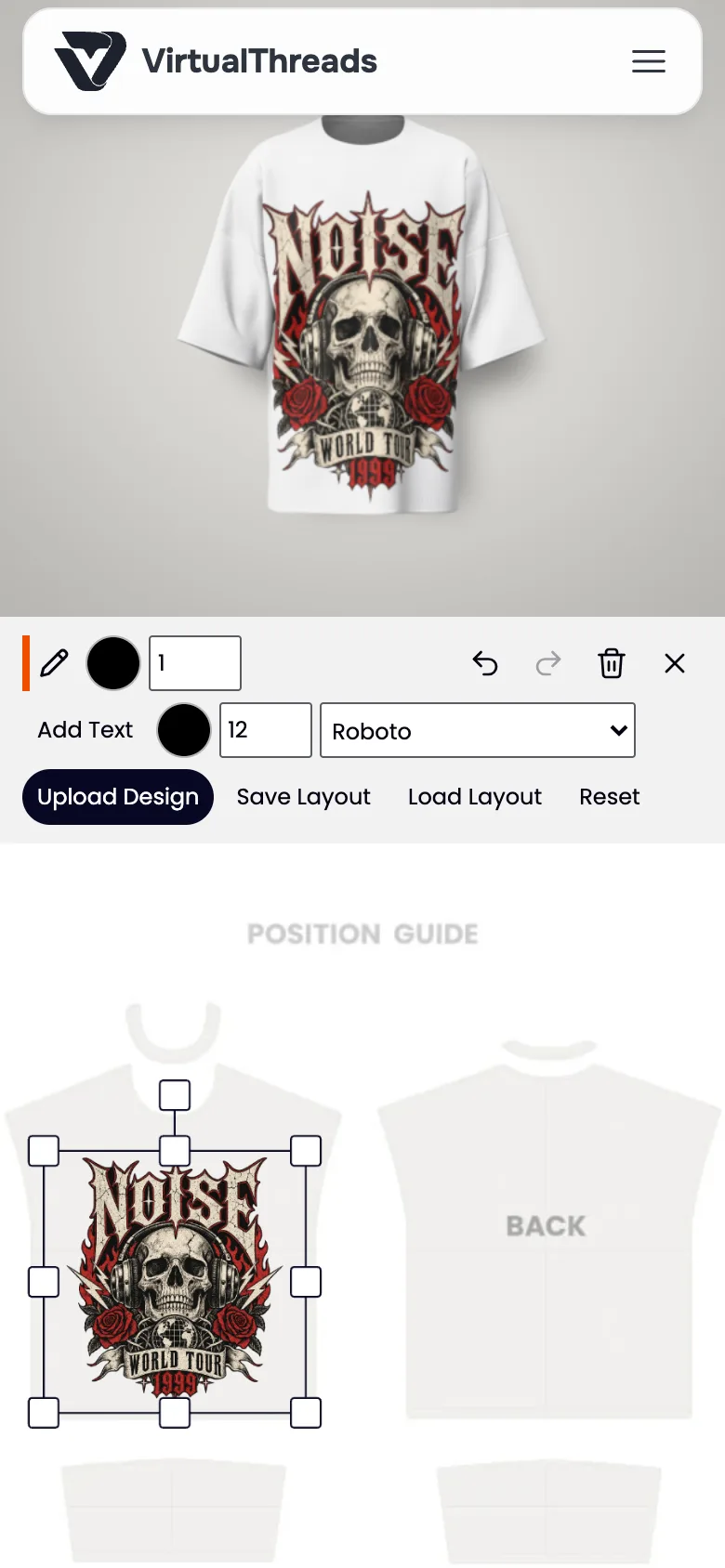
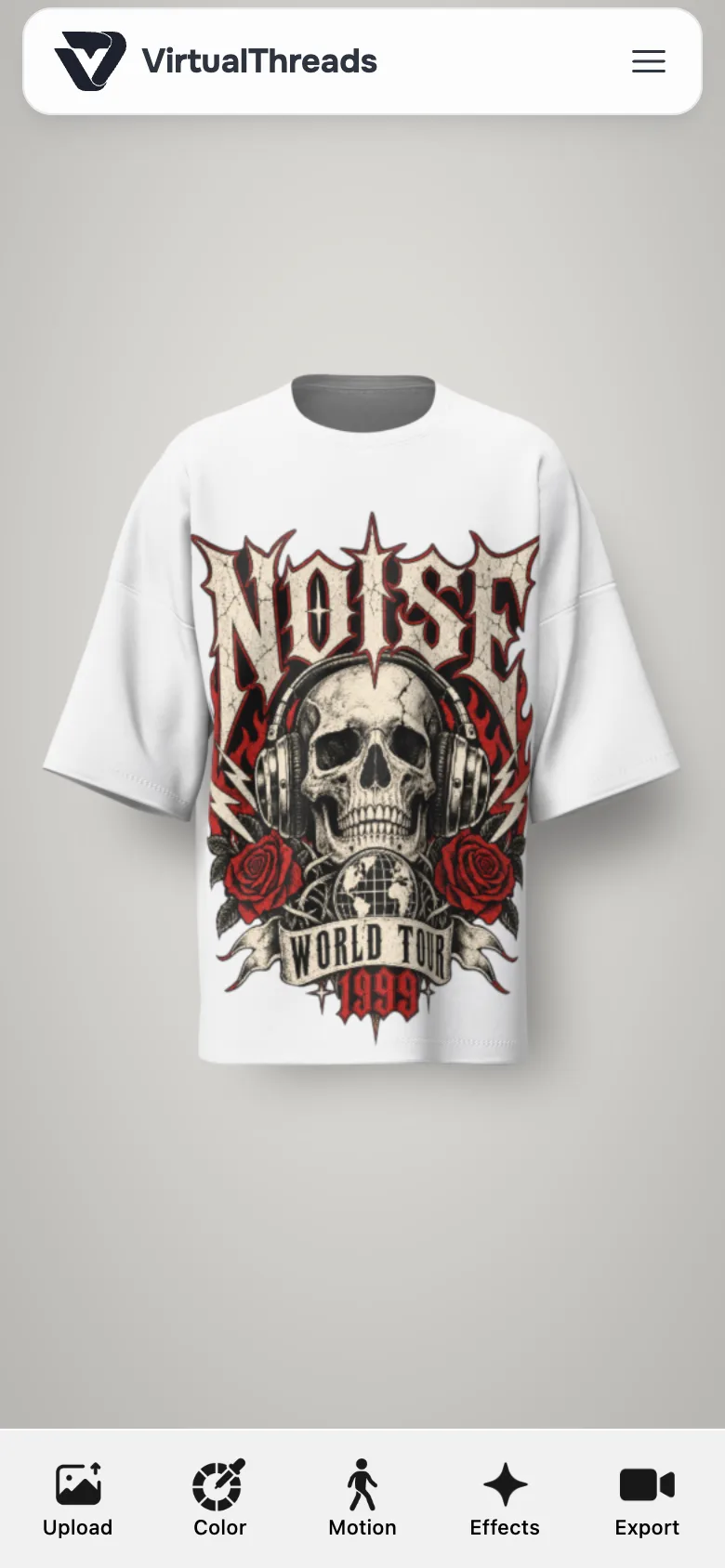
Steps on a phone
- Open virtualthreads.io. Use Safari, Chrome or any modern browser.
- Choose a garment. Pick from tees, hoodies, sweatshirts, sweatpants, polos, vests and caps.
- Upload from your camera roll. Add your design and drag it into place with your finger.
- Animate and export. Choose an animation, then export an image or video and post it.
Tips for phones
- Use the High quality option on newer phones for sharper prints.
- On iPhone and iPad, tap View in AR to see the garment in your room.
- Professional tools such as CLO3D and Marvelous Designer need a desktop computer; a browser mockup tool is the practical route on a phone.
Related questions
Is there a 3D mockup app for iPhone or Android?
VirtualThreads works in the phone's browser with no app. Some other tools offer native apps; see our comparisons for the differences.
Will my design stay sharp on a phone?
Yes. Your file is placed on the garment as it is and redrawn at higher resolution when you stop editing.