Walk
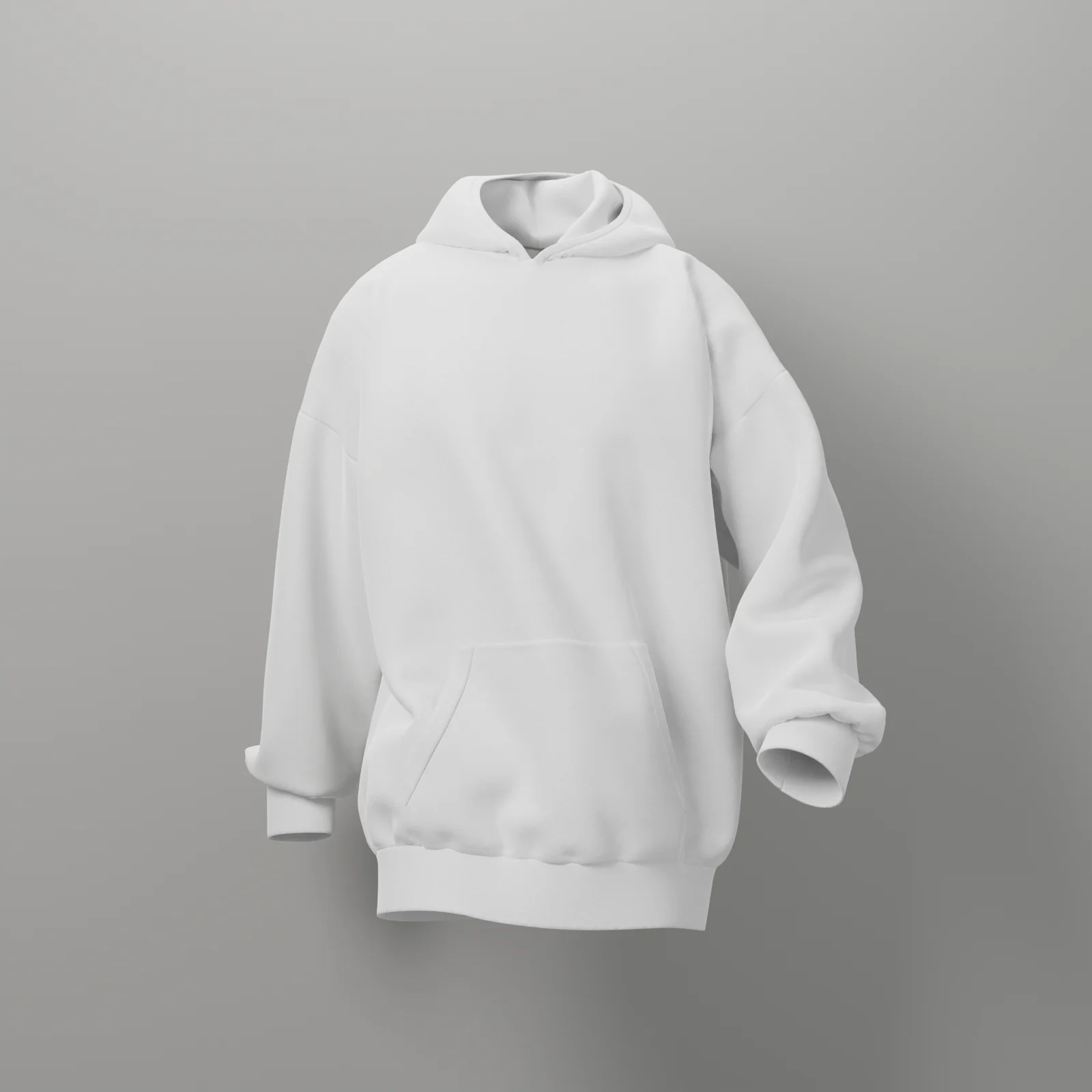
A looping stride, with folds that shift through the hoodie as it moves.
A heavy, oversized pullover hoodie. Upload your design, position it on the chest, add an animation and a colour, and export an image, a video or a 3D model.
This mockup is part of the Pro plan.
Bring it to life
One click in the studio, and your design goes with it. These were recorded straight from the tool.
A looping stride, with folds that shift through the hoodie as it moves.
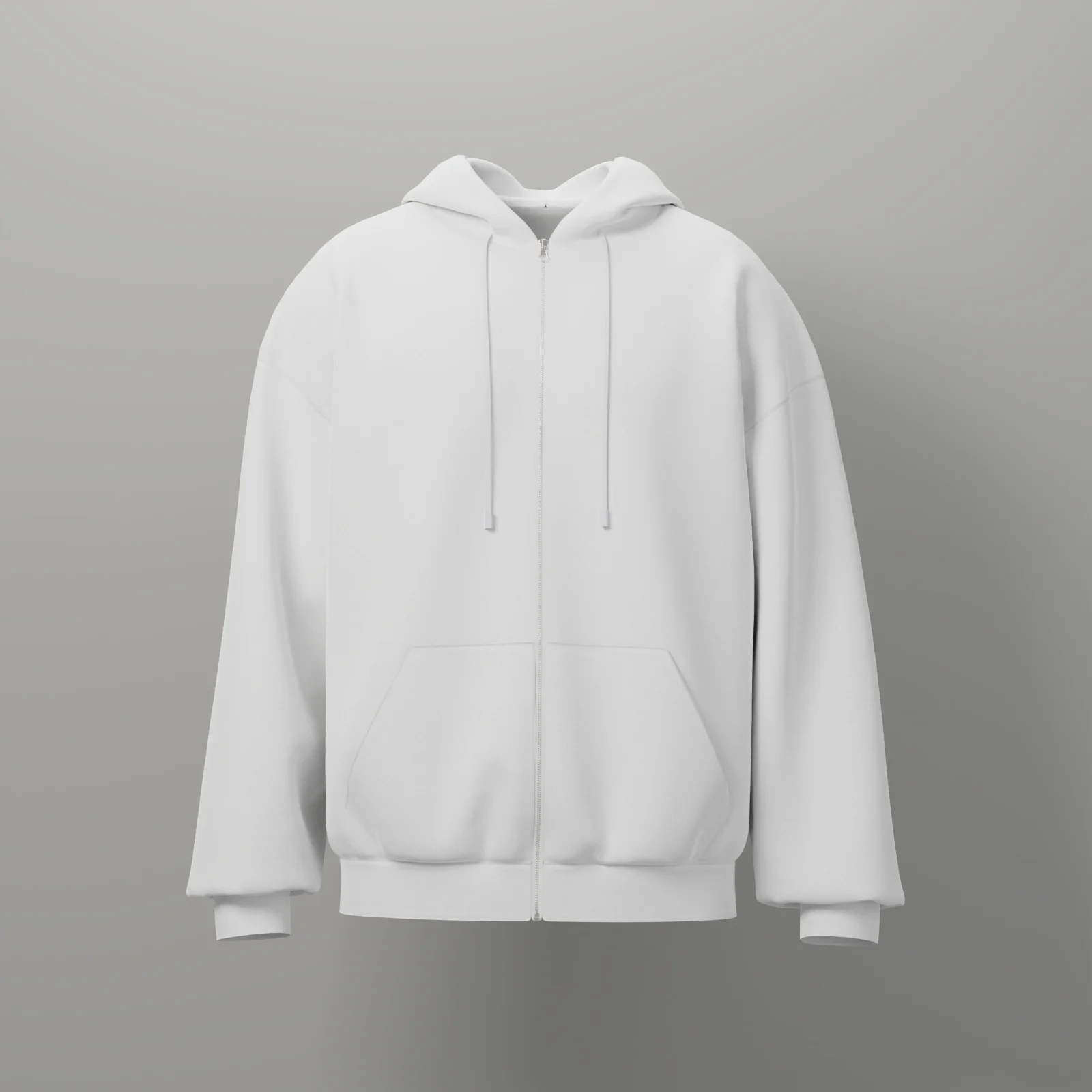
A slow breeze ripples through the fabric and carries your print with it.
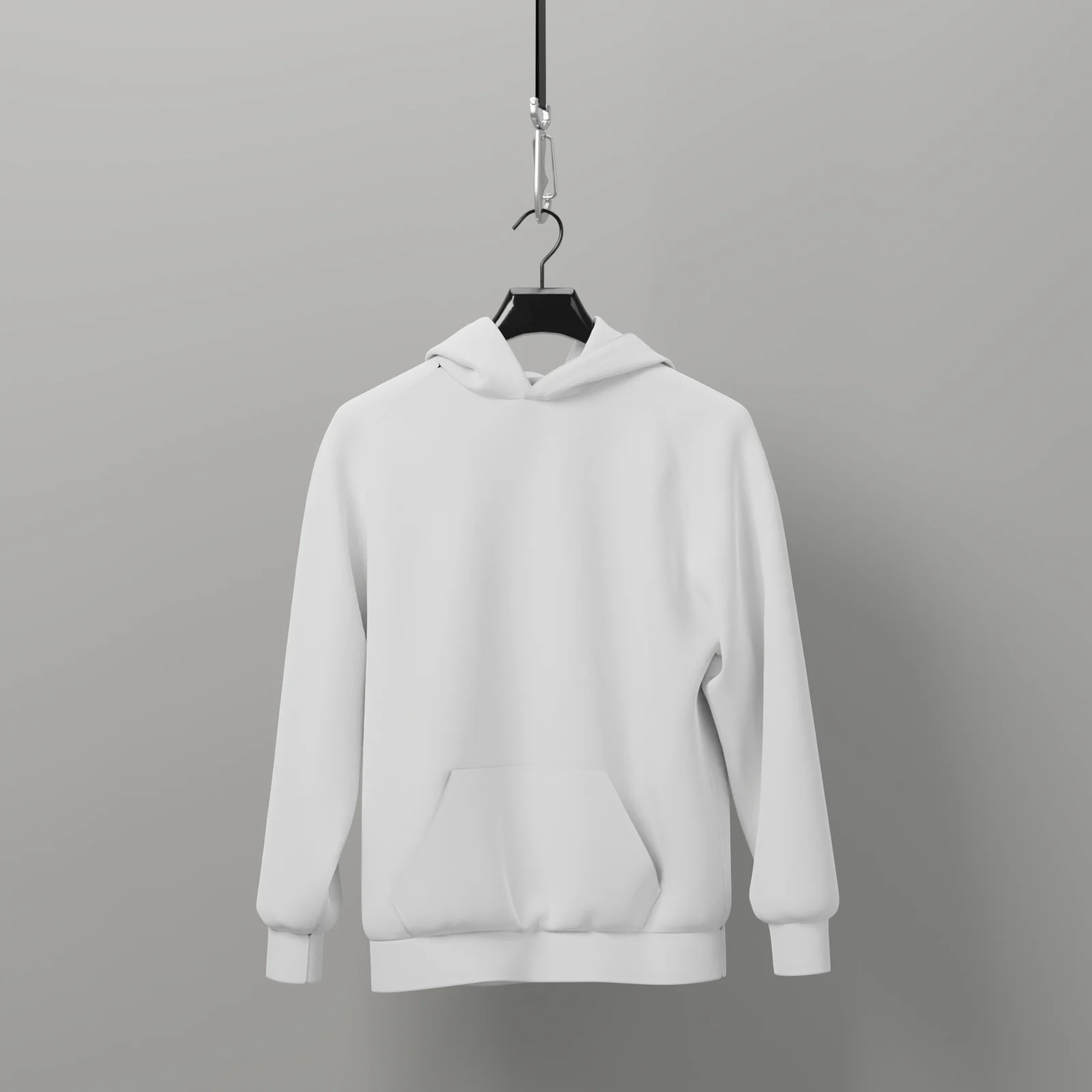
Threads draw your hoodie into existence from the bottom up, in its colour and with your print.
The garment
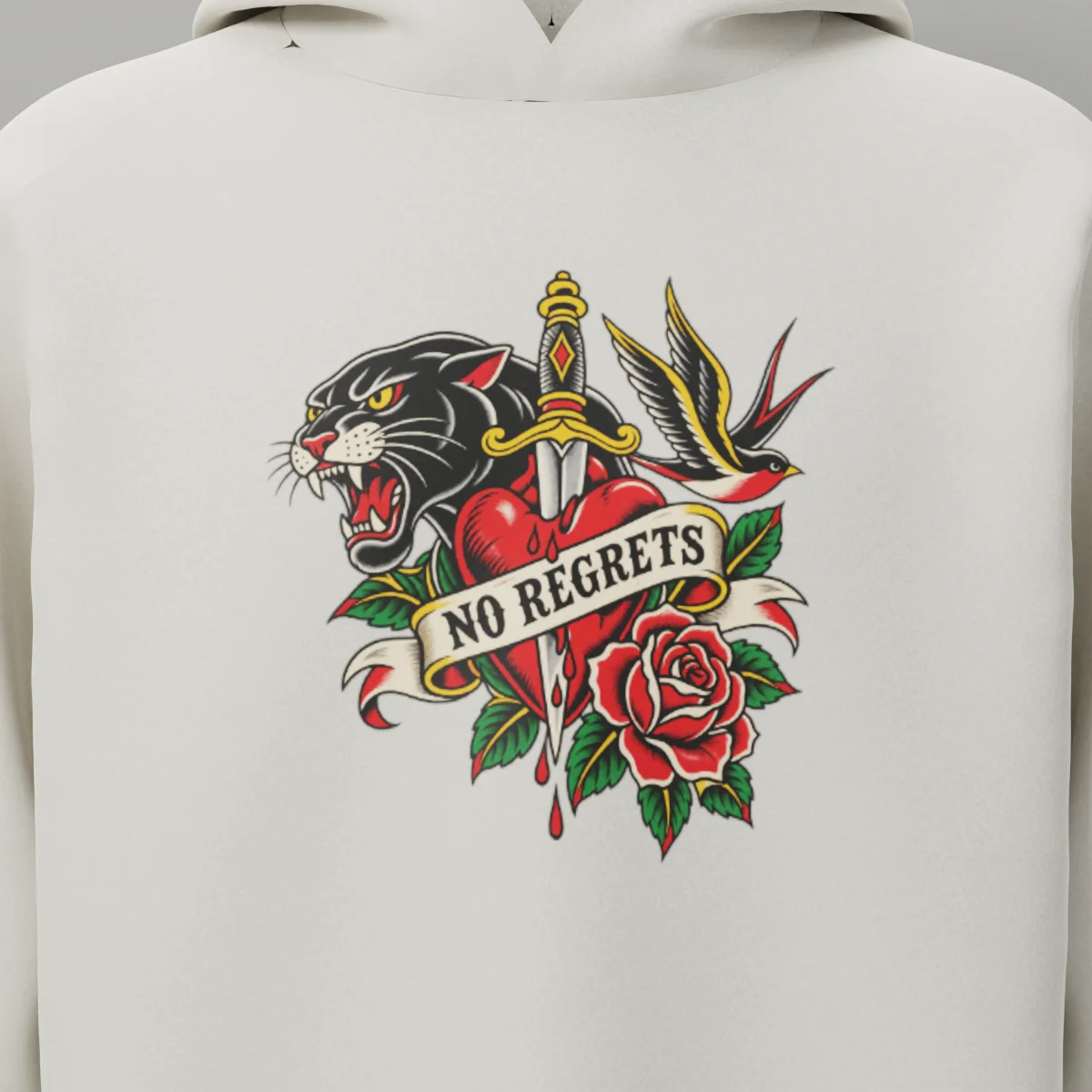
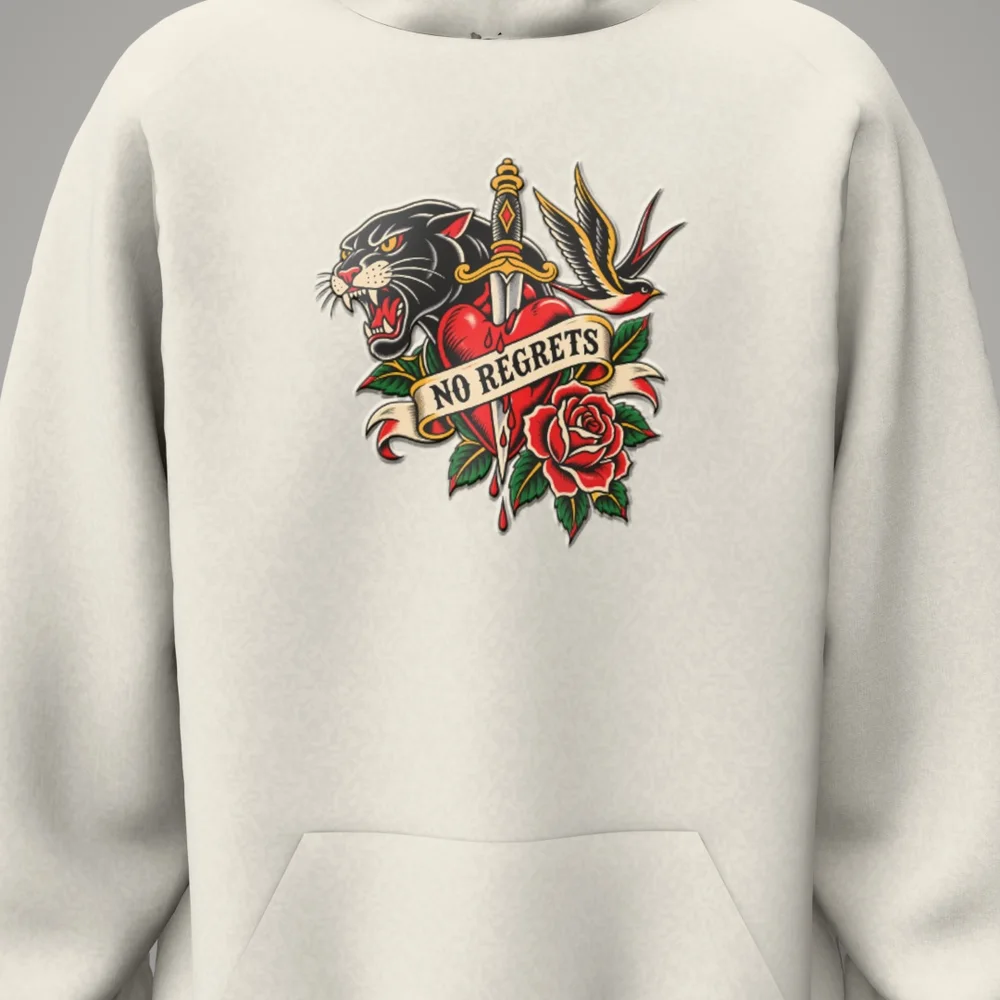
Close-up rendered in Blender.
Pick a colour or type in an exact hex code, and the studio updates the hoodie as you go. Your print stays where you put it.
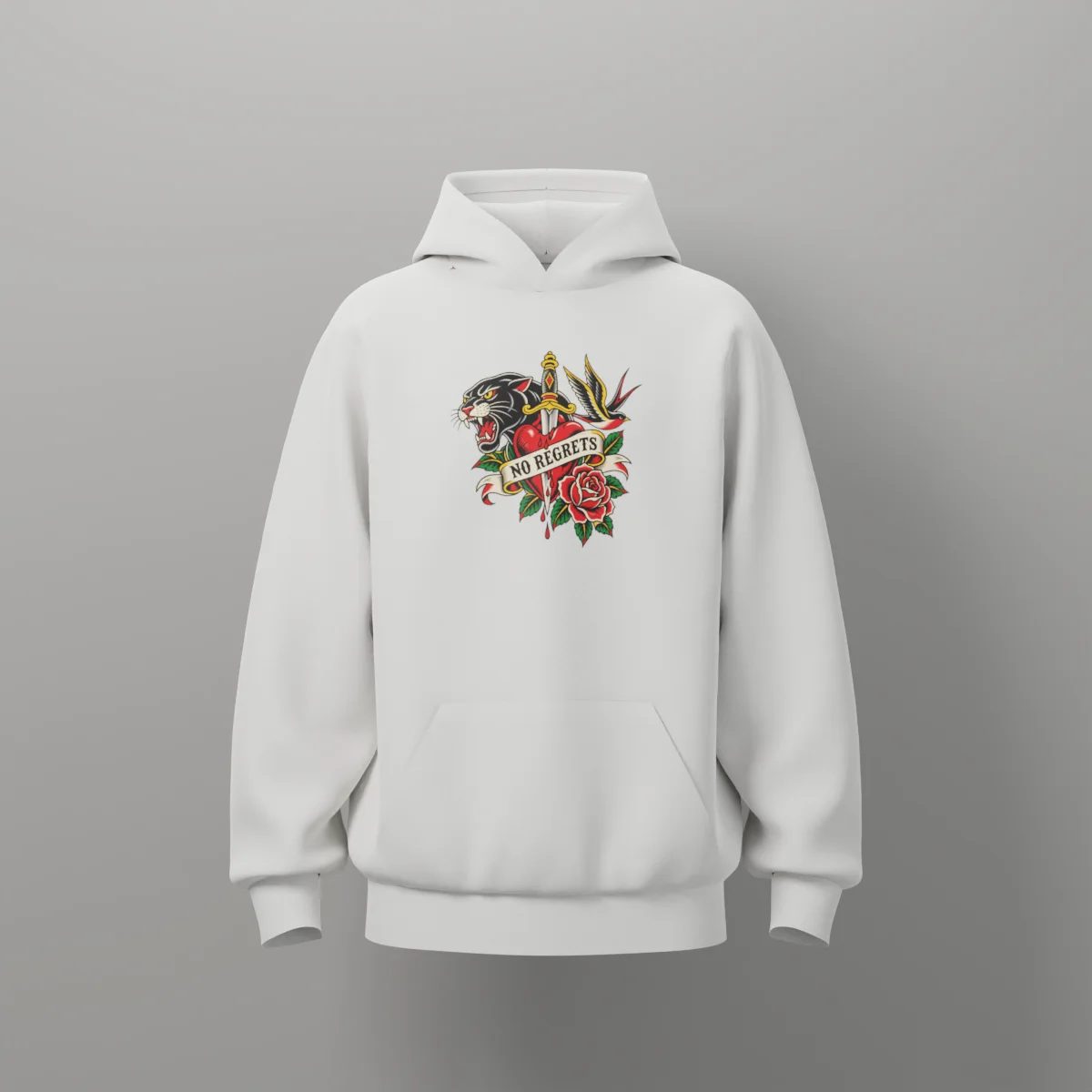
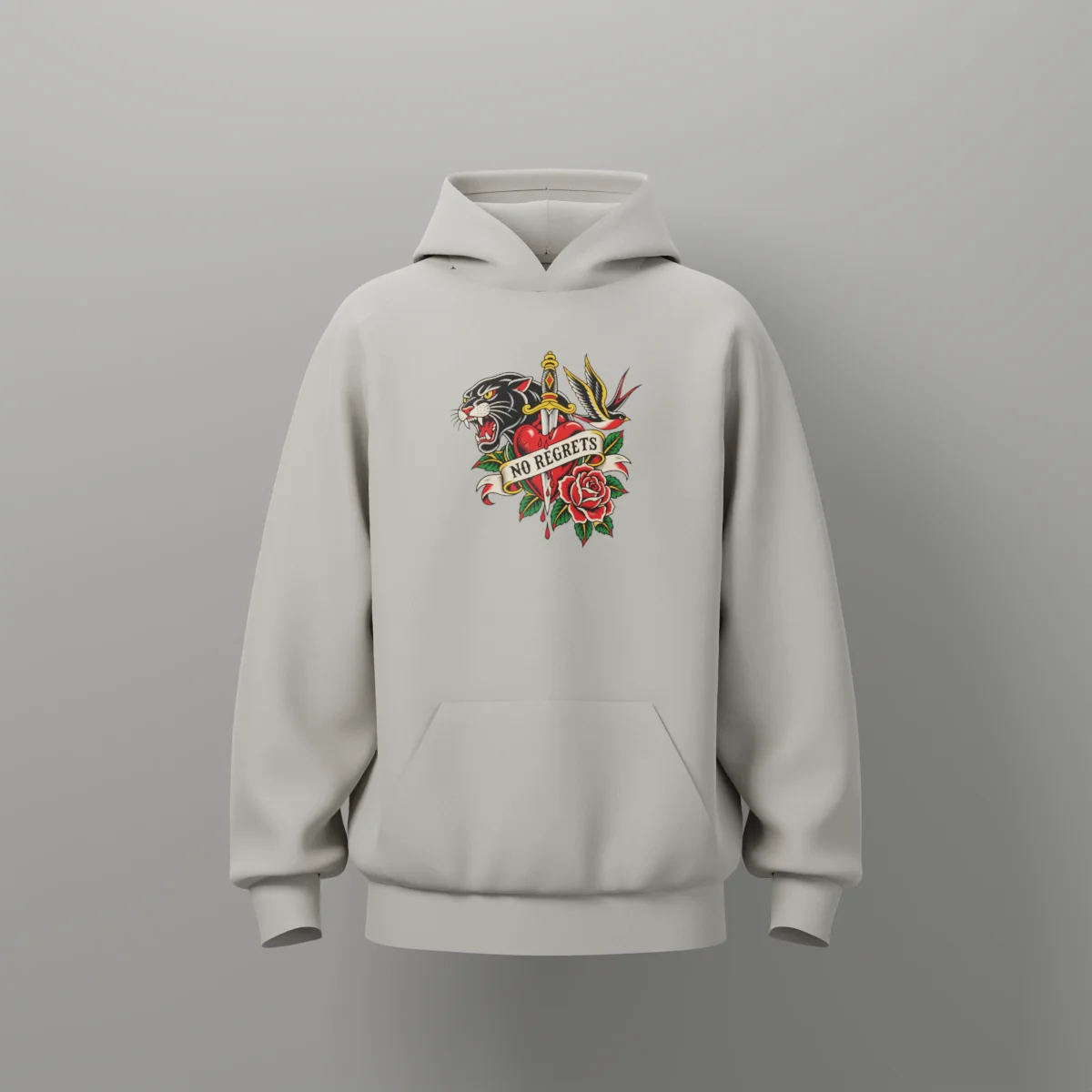
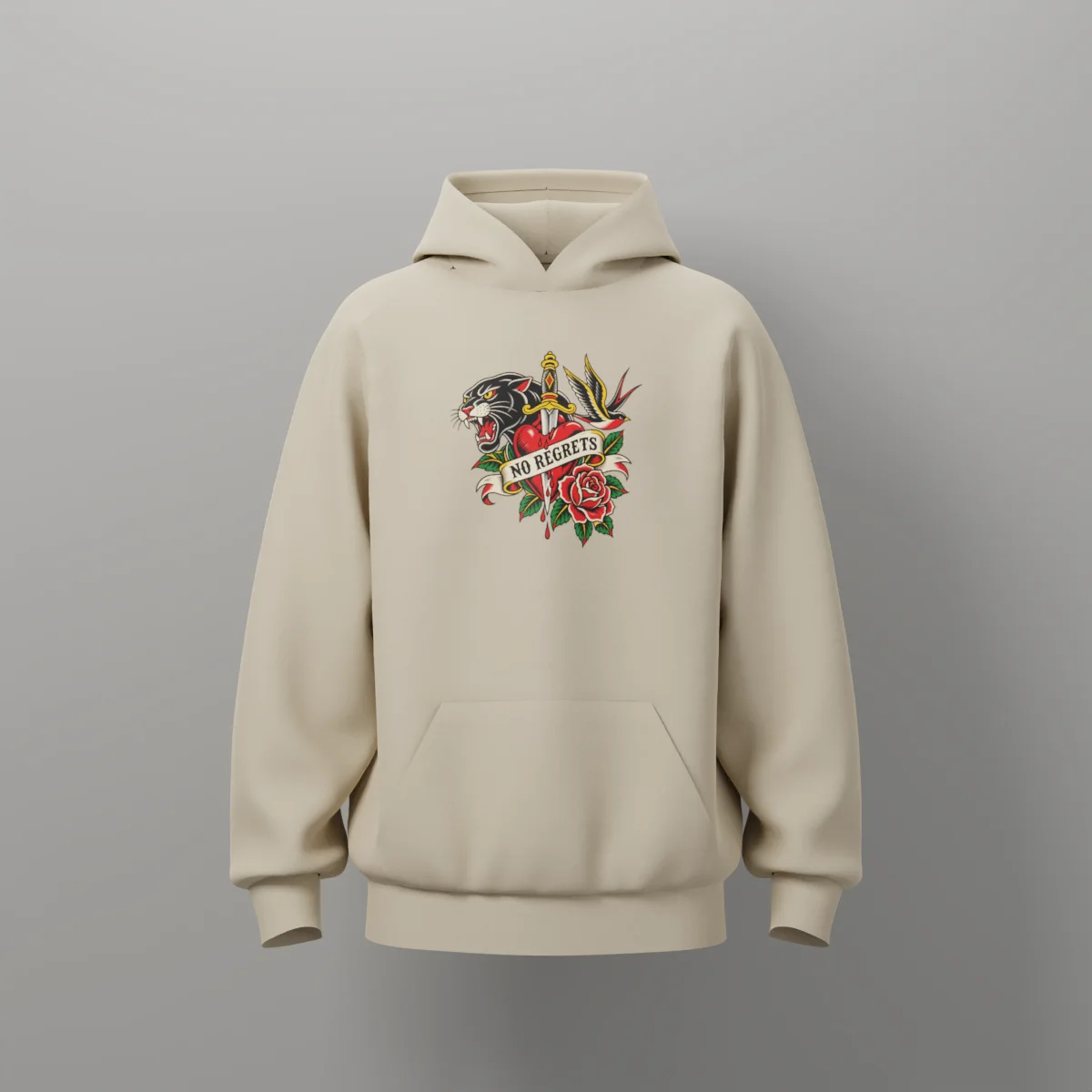
Rendered in Blender for this page. In the studio, colour changes are instant.
Two sliders in the studio, shown here on this hoodie.
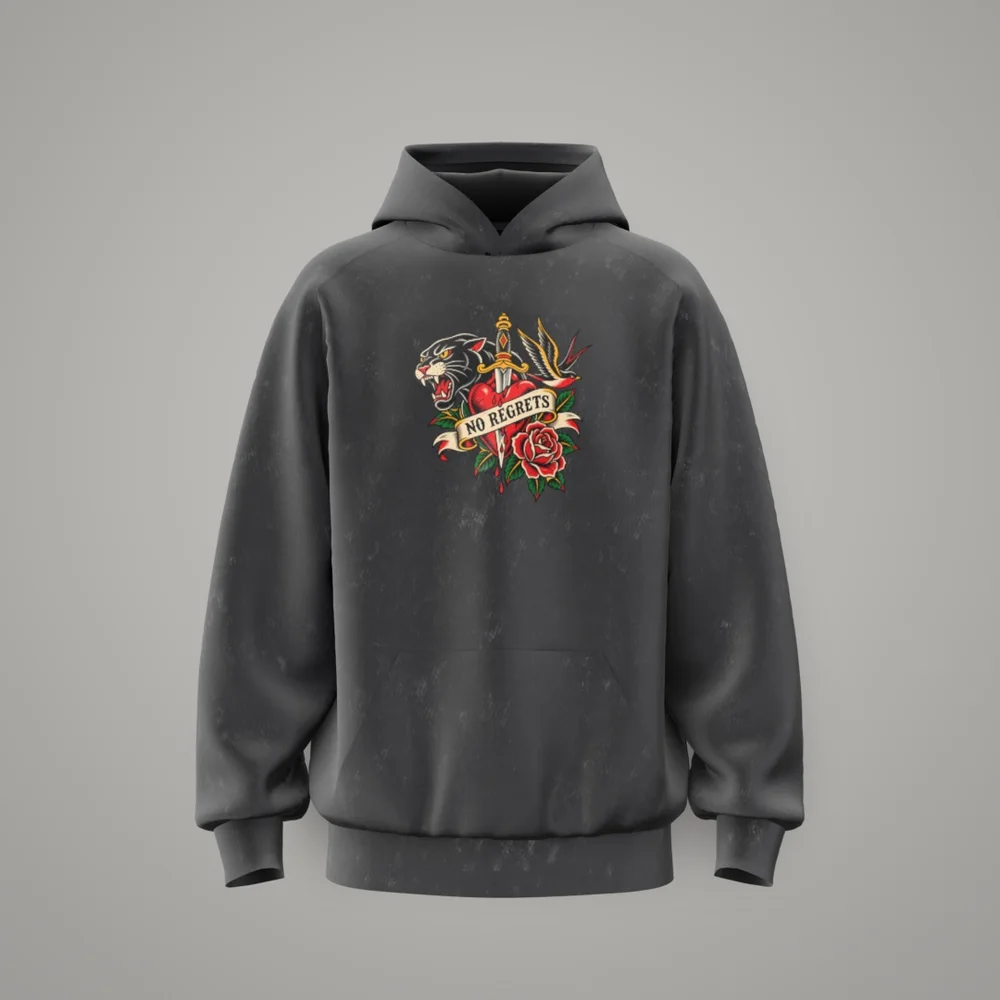
A washed, faded texture across the whole hoodie, as strong or as subtle as you like.
Raises your artwork off the fabric, so it catches the light like real puff ink.
01
Add your graphic, logo or artwork, or use text.
02
Move and resize it on the hoodie and watch it update live.
03
Pick a colour, a motion, a camera move and any effects.
04
Download a PNG image, a video or a GLB 3D model.
“Great mockups”
Really solid output. I've been using them in eBay and Amazon ad creatives and the listings feel way more premium than flat PNGs.
“Fast, intuitive, and professional results”
Fast, intuitive workflow with professional-looking output. Solid templates, effortless garment colours, and artwork that blends naturally into fabric.
“I would definitely recommend”
VirtualThreads.io has become my go-to for 3D apparel mockups on client work, with fast turnaround without sacrificing quality. I'd recommend it to any motion or brand designer.
Need more information? Check out our frequently asked questions.
It's part of the Pro plan. If you'd like to try the studio first, the free t-shirt mockup works without signing up.
Walk, Waves and Knit. You can also set the speed and add a camera move in the studio.
A PNG image, a video or a GLB 3D model, ready to use straight away with no render queue.
Yes. Pick from the colour control or type in an exact hex code, and it updates instantly.
No, everything is stored locally on your computer.
I'd recommend VirtualThreads to anyone who wants proper 3D mockups without the usual time drain or stress—it's been a genuine time saver.